Choose how many appointment times your chatbot offers
Set how many appointment times a flow agent lists per reply, 1 to 10, for each calendar. Every calendar starts at 3; the gap between times still applies.
Read inBahasa Melayu中文
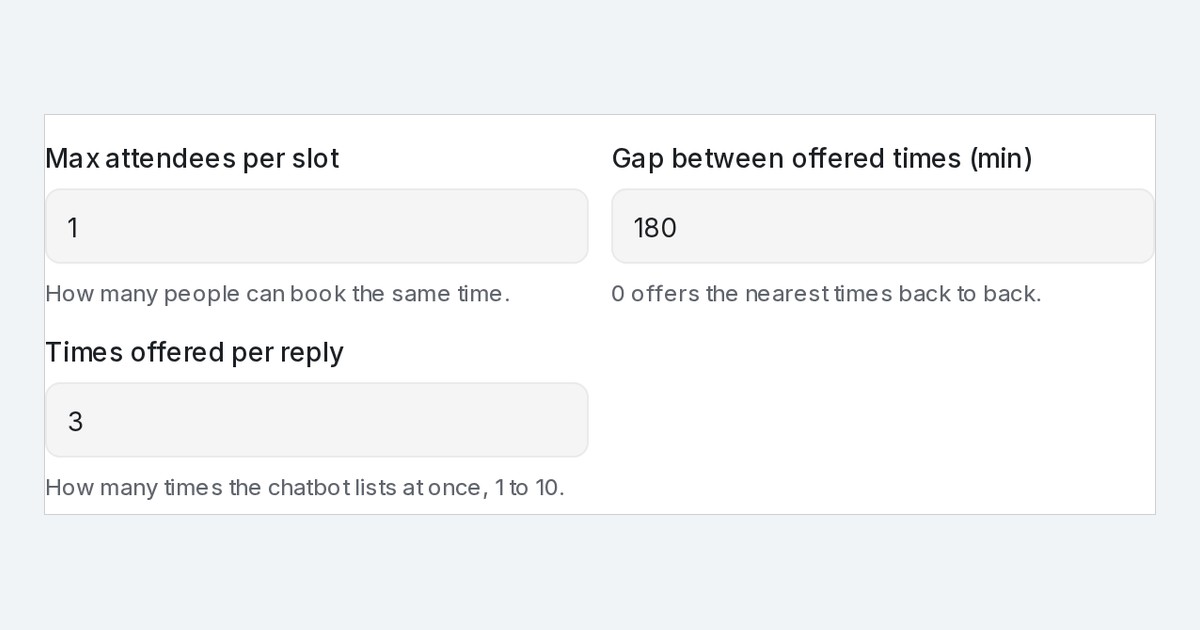
Mampu AI now lets you choose how many appointment times a Flow Agent lists in one reply on WhatsApp, Facebook, Instagram and your website. Every calendar starts at three. Raise it to five when your customers like a wider pick, or set one when a single suggestion is enough.
How do I change how many times my chatbot offers in Mampu AI?
- Open Flow Agents → AI Knowledge Hub → Calendar and go to the Tools tab.
- Click ⋯ → Edit on the calendar and expand Advanced settings.
- Set Times offered per reply to any number from 1 to 10.
- Click Save. The next offer in chat lists that many times.
What does a customer see when the flow agent offers five times?
- Five times at least the calendar's Gap between offered times apart, filling today before tomorrow: on a calendar open until the evening, 11 AM, 2 PM, 5 PM and 8 PM today, then 9 AM tomorrow.
- Times are no longer limited to two a day, so a calendar open all day can list three or more times on the same day.
- The customer picks by number or by naming the time, and the booking goes through as before.
- When fewer times are free, the agent offers the ones that are.
- The public booking page is not affected and still shows every free slot.

