Files from your chats now open only for your team
Links to files customers send, such as a CV or a receipt, now open only after signing in to Mampu AI, for teammates who can see that chat.
Read inBahasa Melayu中文
CVs, ICs and receipts your customers send are private. A link to one of these files used to open for anyone who had it, for example someone the link was forwarded to. Now it opens only for your team.
What happens when someone opens a file link?
The link opens the Mampu AI sign-in page first. After signing in, a teammate who can see the chat the file was sent in goes straight on to the file. That means an administrator, or a member of the chat's inbox or team.
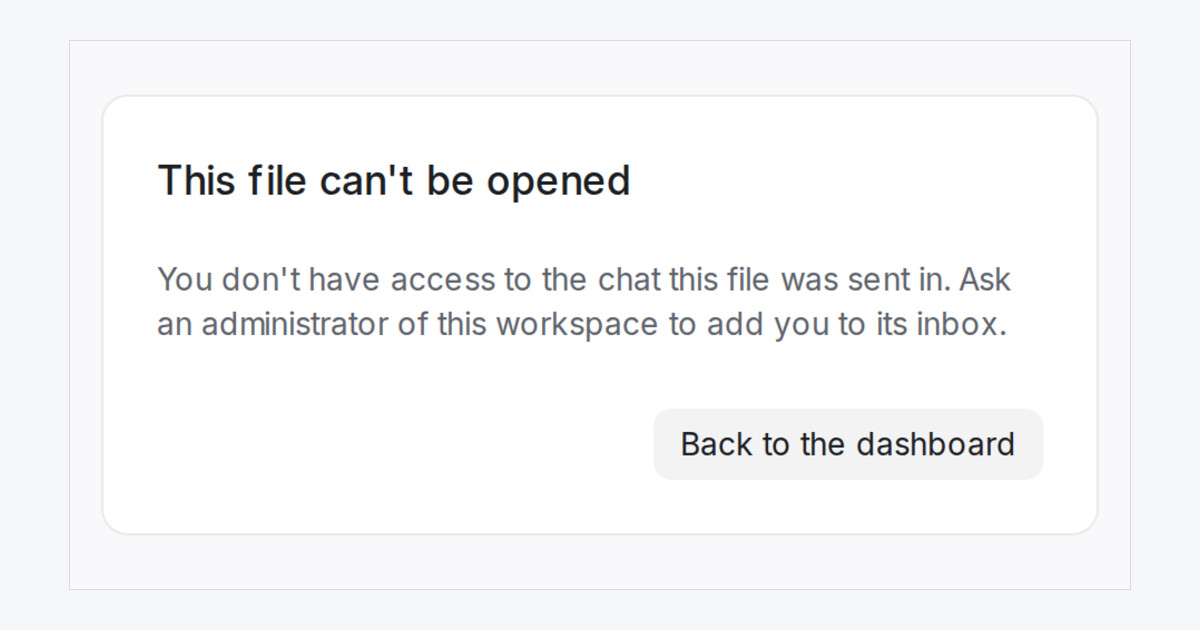
Anyone else sees This file can't be opened with the reason, and never the file. A link forwarded outside your workspace, or copied from a shared Google Sheet, stays closed to people who are not on your team. Links your Flow Agent saved before this change go through sign-in too.
Does anything change for my team?
No. Inside a chat, files show and download as before, on the web and in the mobile app. Your Flow Agent still saves a customer's file as a link you can keep in a sheet.
File links sent to your webhooks now stop working after 7 days, so download the file when it arrives. The webhook also carries the sign-in link, which keeps working.