Optimised delivery for WhatsApp marketing templates
Marketing templates from a WhatsApp API number now take Meta's optimised route once the number is set up. A line under each number shows where it stands.
Read inBahasa Melayu中文
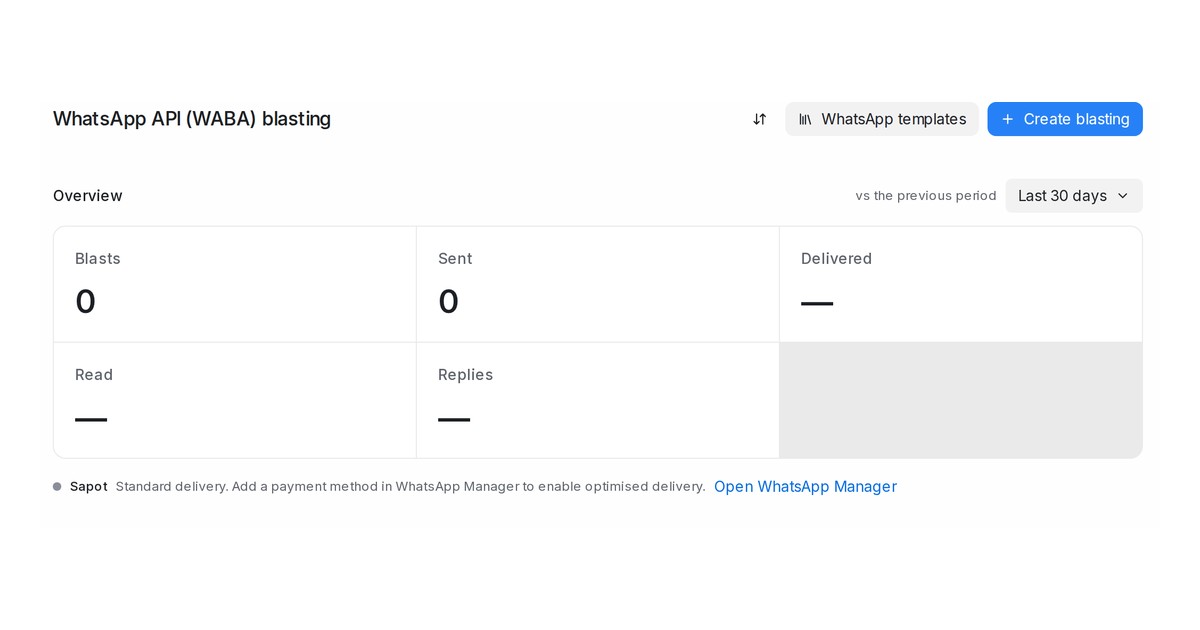
Mampu AI now sends marketing templates from a WhatsApp API (WABA) number through Meta's Marketing Messages API, the route where Meta times each message for the customer most likely to engage and paces the send to keep the number healthy. It applies the moment Meta has set a number up; until then the number's marketing templates go out the standard way. Utility and authentication templates are not affected, and you create a blast exactly as before.
How do I see whether my WhatsApp number has optimised delivery in Mampu AI?
- Open Blasting → WhatsApp API (WABA). A line under each number reads Optimised delivery: on or Standard delivery with the reason.
- The same line sits under the number picker in the Create blasting dialog and in the number's Configuration tab under Settings → Inboxes.
- On a message delivered through the optimised route, the pricing chip on the bubble reads Marketing lite. Meta charges a marketing template per delivered message as before.
What do I do when the line says Standard delivery?
- Add a payment method in WhatsApp Manager: click Open WhatsApp Manager beside the line, open your WhatsApp Business Account's payment settings, add a payment method and accept Meta's marketing messages terms if asked. Mampu AI re-checks every night, and the line reads on within a day.
- Meta is still setting up optimised delivery: your part is done; give Meta a day or two.
- Optimised delivery is not available for this number: Meta does not offer the route for that number, for example one that also runs the WhatsApp Business app. Marketing templates keep going out the standard way, with the same delivery figures.

