See which products a condition hid in the Playground
The Playground now names every entry a condition hid for the test customer, products and promotions included, and scripted test runs judge conditions too.
Read inBahasa Melayu中文
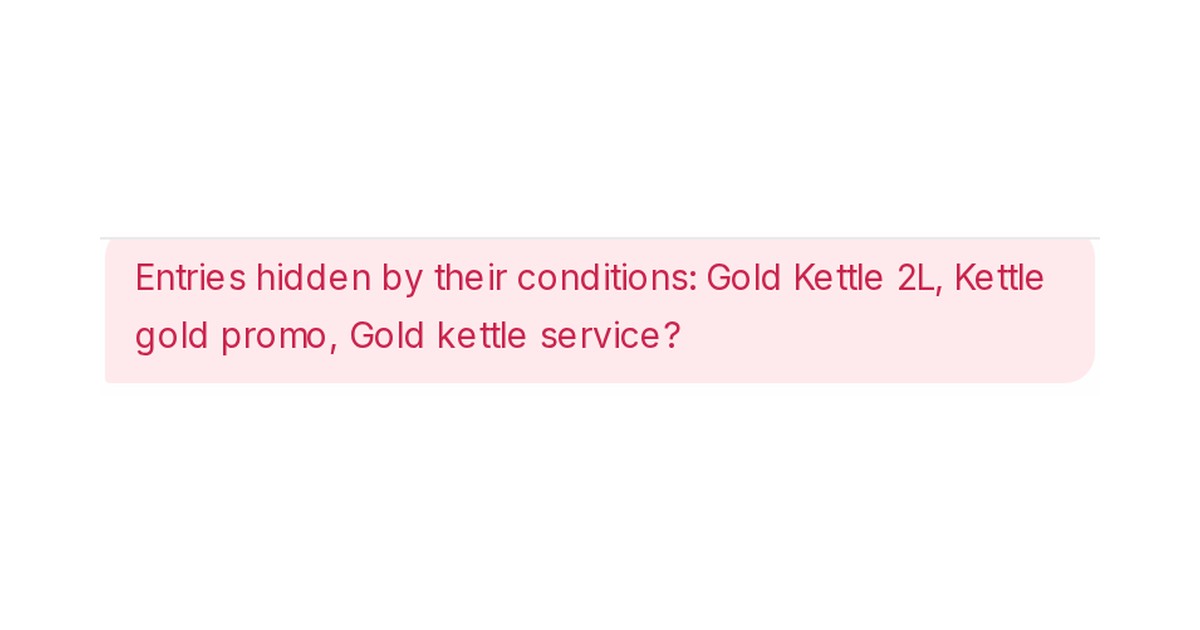
Mampu AI now shows, in the Playground, every AI Knowledge entry a condition kept from the test customer: products and promotions as well as FAQs. The note above the reply names them, so you see at once why a product stayed out of the offer and which fact the scenario lacks. Scripted test runs made through the API play the scenario's customer the same way, and each turn of their transcript lists the entries that stayed hidden.
How do I see why a product was hidden in the Playground in Mampu AI?
- Open the agent, switch to its Playground tab and ask the question a customer would.
- Read the note Entries hidden by their conditions above the reply: it names the products, promotions and FAQs the conditions hid.
- Click Scenario, fill in the customer's Contact attributes, Labels or Inbox, and ask again. The matching entries are offered and the note is gone.
What do scripted test runs check now?
- A scripted run started through the
flow_test_runsAPI plays the scenario you give it as a real test customer, so entries with conditions are offered or hidden exactly as in a live chat, in the FAQ answers and in product recommendations. - Each turn of the transcript carries
hidden_entries, the names of what stayed hidden, like the Playground note. - A run with no scenario hears only the entries without conditions, as a new customer would.

