Request a feature from inside the dashboard
Tell us what's missing in three short questions, follow each request in My requests, and hear back when your feature ships.
Read inBahasa Melayu中文
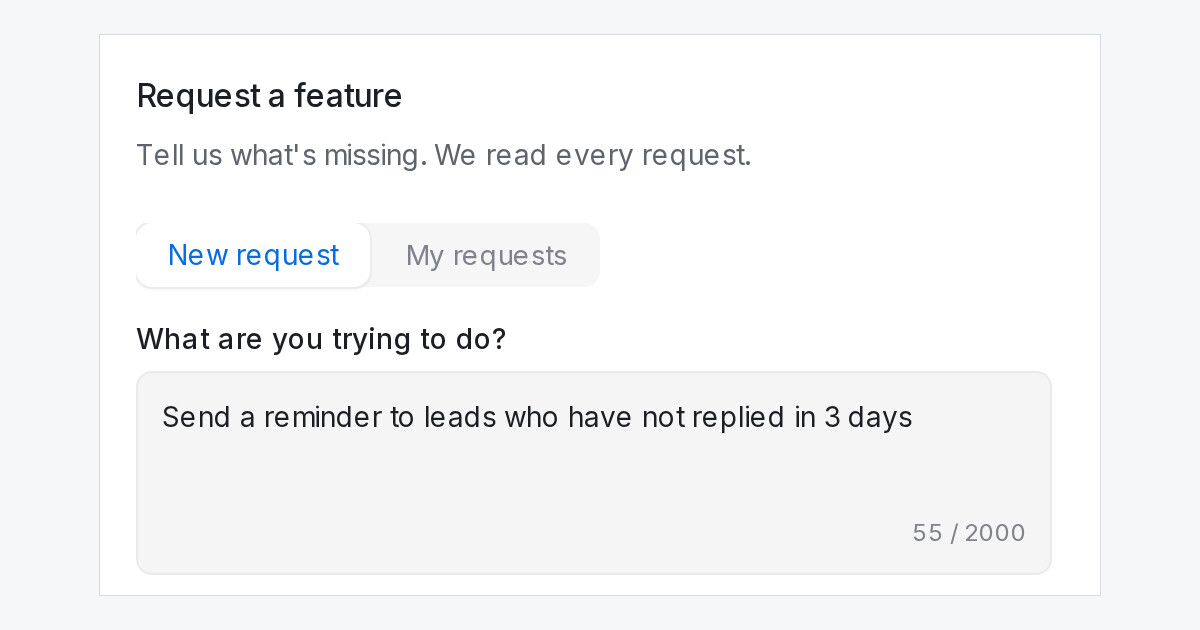
Missing something you need? You can now tell us from inside the dashboard. Request a feature sits at the bottom of the sidebar, under What's new, for every role.
How do I send a feature request in Mampu AI?
- Click Request a feature at the bottom of the sidebar.
- Under What are you trying to do?, describe the job you want done.
- Optionally, say how you manage it today.
- Pick how much it matters: Blocking my work, Slows me down weekly or Nice to have.
- Click Send request.
Searched for something that isn't there? Press Ctrl+K, type it, and pick Can't find it? Request a feature at the end of the list. The form opens with your search already filled in.
How do I know what happened to my request?
- Switch to My requests in the same form to see each request as Received, Planned or Shipped.
- When a feature you asked for goes live, you get a notice in your bell and an email, with a link to what's new.
- The email is on by default. You can switch it off in your notification preferences.