Links in flow replies become a button the customer can tap
When a Flow Agent reply carries a link, the customer now gets a tappable button under the message, with the link still in the text.
Read inBahasa Melayu中文
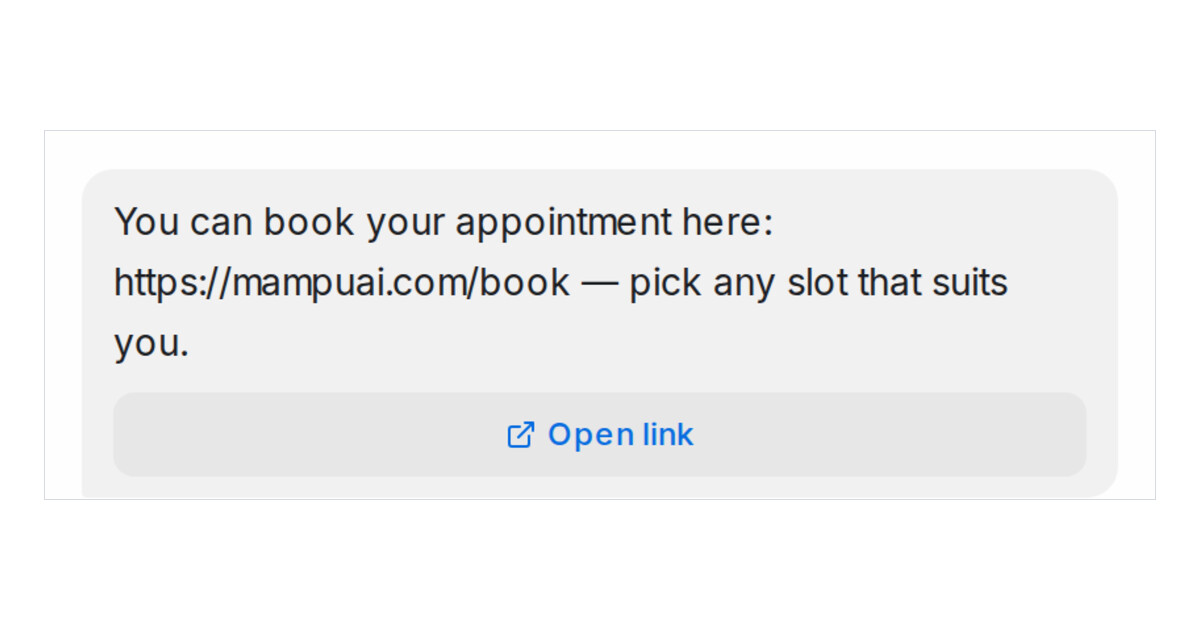
Mampu AI now turns a link in a Flow Agent reply into a button under the message. A customer on WhatsApp, Messenger, Instagram, Telegram, Line or web chat taps Open link instead of copying an address, and the link stays in the text for anyone who prefers it. There is nothing to switch on: it works for every link your agent sends, including one filled in from a variable or one from your FAQs.
How do I send a link as a button in Mampu AI?
- Open your Flow Agent and write the link into a Send message block, as you always have.
- To name the button yourself, write the link as
[Book now](https://example.com/book). The button then reads Book now. - Test it in the Playground. The reply shows the button under the text, exactly as the customer will see it.
Which channels show the button?
- Official WhatsApp API, Messenger, Instagram, Telegram, Line and web chat show a real button, and agents see the same button in the conversation.
- A Normal WhatsApp Web Link number, email, SMS and TikTok keep the text with the link, as before.
- One button per reply. With several links, the first becomes the button. A question that already offers answer buttons, or a reply too long for the channel, goes out as text with the link.

