Turn down order times outside your business hours
A new flow agent switch. When a customer asks for a time your shop is closed, the bot gives that day's hours and asks for another time.
Read inBahasa Melayu中文
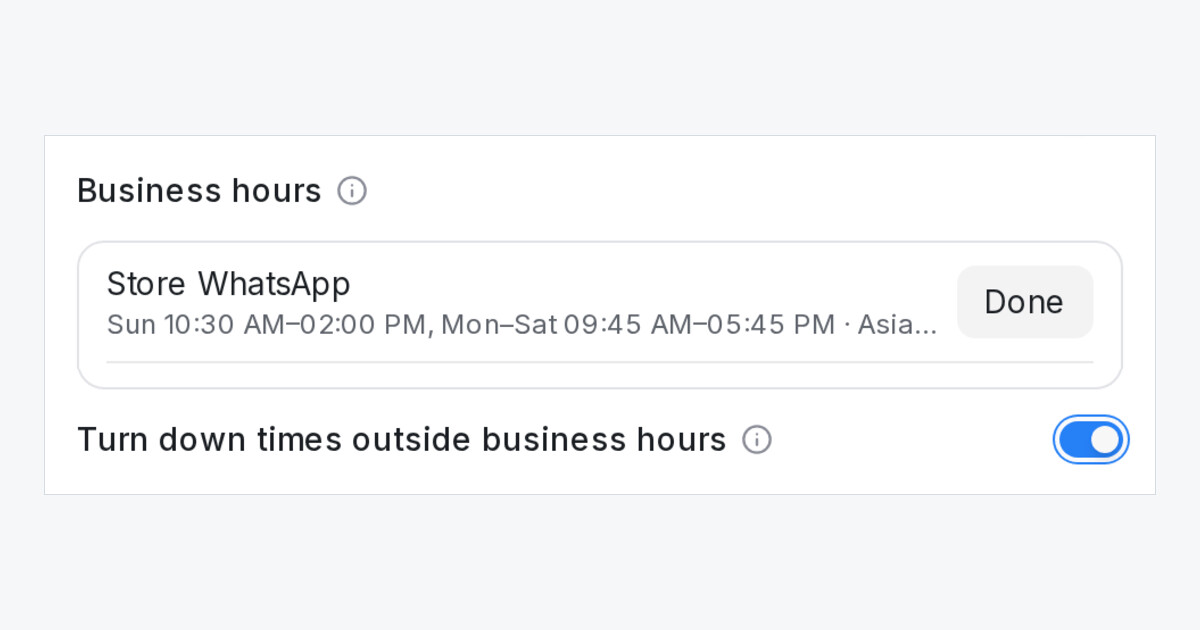
Mampu AI flow agents can now follow your business hours. A florist that closes at two on Sundays no longer has to let the bot take a Sunday 4pm delivery and sort it out by hand. The bot says the hours and asks for a time that works.
How do I turn it on in Mampu AI?
- Open the flow agent and click Settings.
- Under Business hours, check the inbox hours shown there. They come from each inbox's own Business hours setting.
- Switch on Turn down times outside business hours and click Save.
What does the bot do with a time outside the hours?
- It knows the hours, so a question like "are you open at 8pm?" gets the right answer.
- A date or time given for an order, delivery or pickup that falls on a closed day or outside that day's hours is not kept. The bot tells the customer that day's hours and asks for a time within them, then carries on after a few tries so your team still sees what was asked.
- A date on its own, and any time inside the hours, is accepted as before.
- Booking steps keep their calendar's own hours. Public holidays are not part of inbox hours.
- The switch is off for every agent until you turn it on.