Keep the opening in your own language when a customer arrives from an ad or a post
A Flow Agent setting stops the pre-filled first message of a Meta ad or a post's WhatsApp button from setting the language, so the opening goes out as written.
Read inBahasa Melayu中文
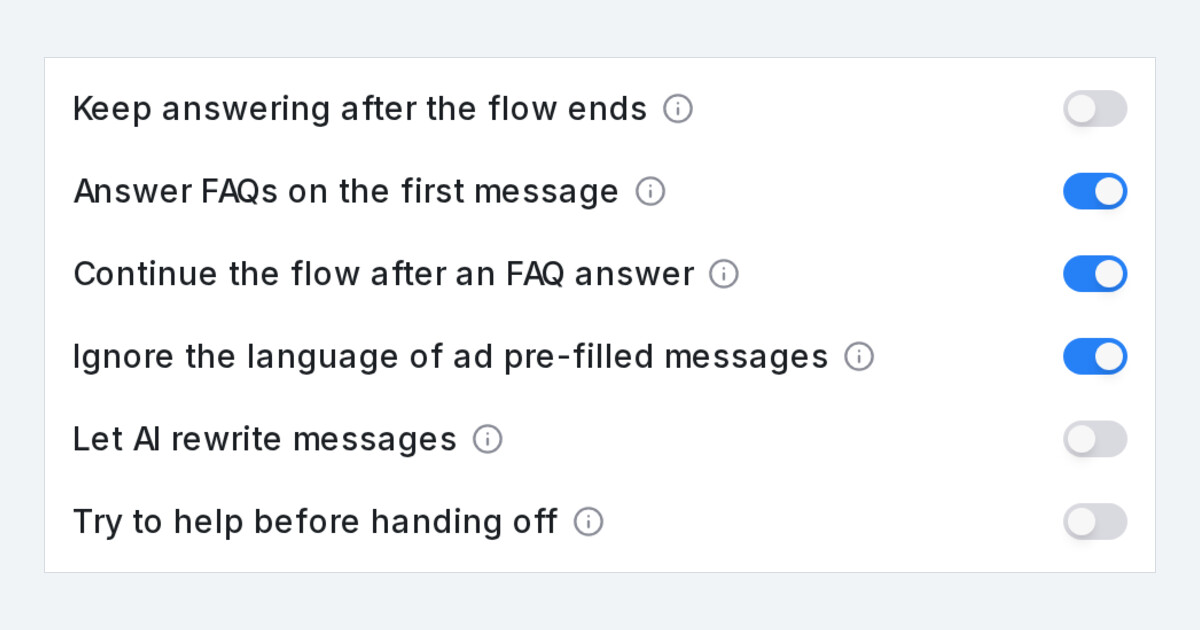
Mampu AI can now keep a Flow Agent's opening in the language you wrote it when a customer arrives from a Meta ad on WhatsApp, Messenger or Instagram, or taps the WhatsApp button on one of your Facebook posts. That first message is usually pre-filled text in the ad or post's language, not the customer's, and until now it set the whole conversation's language. With the new setting on, that message is left out of the language decision and the agent follows what the customer types next.
How do I stop pre-filled messages from setting the language in Mampu AI?
- Open the Flow Agent and click Settings in the designer header.
- Turn on Ignore the language of Meta pre-filled messages and click Save.
- Keep the opening of your flow in the language your customers expect. It now goes out as written for every customer who arrives from an ad or a post's WhatsApp button.
What changes for a customer who clicks an ad or a post button?
- Their pre-filled first message neither sets nor changes the conversation language.
- The opening and its first question arrive exactly as you wrote them.
- From their next message, the agent replies in the language they type, as it always did.
- A customer who asks for a language in that first message, such as "please reply in Chinese", still gets it.
- Messages customers type themselves, and agents with the setting off, behave as before.

