Replies sent from your phone now mark the chat as read
Turn on a switch per inbox and a reply sent from the WhatsApp Business app or your Facebook Page inbox marks that chat read in Mampu AI.
Read inBahasa Melayu中文
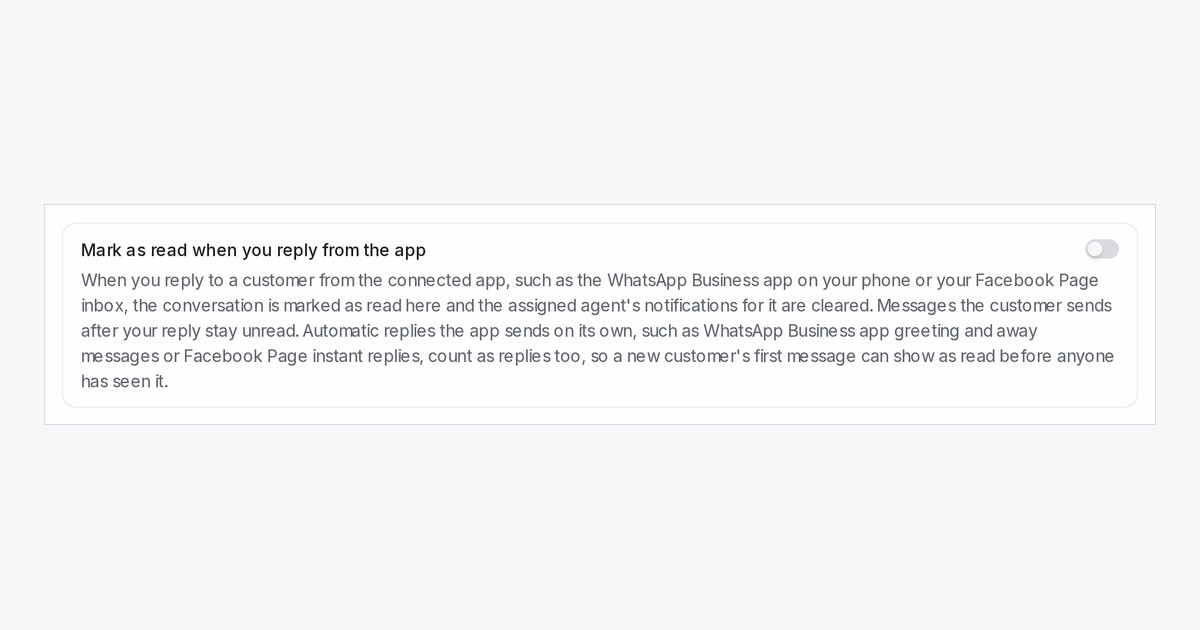
Many teams answer some customers straight from the WhatsApp Business app on the phone or from the Facebook Page inbox. Those replies already showed up in the chat here, but the chat still looked unread, so someone opened it again to clear it. A new inbox switch, Mark as read when you reply from the app, fixes that.
How do I turn it on?
Open Settings → Inboxes, pick a WhatsApp, Facebook, Instagram or TikTok inbox and open its Settings tab. Turn on Mark as read when you reply from the app and click Update. It is off until you turn it on.
What happens when I reply from the app?
The chat is marked as read up to your reply, the unread badge clears for everyone on the team, and the assigned agent's notifications for that chat are cleared. Anything the customer sends after your reply stays unread, so new messages are never hidden.
Is there anything to watch out for?
Automatic replies the app sends on its own, such as WhatsApp Business app greeting and away messages or Facebook Page instant replies, count as replies too. A new customer's first message can then show as read before anyone has seen it.

