Past Messenger and Instagram conversations arrive when you connect a Page or account
Connect a Facebook Page or Instagram account and its recent conversations come along as resolved chats, so your team and your AI agent start with the history.
Read inBahasa Melayu中文
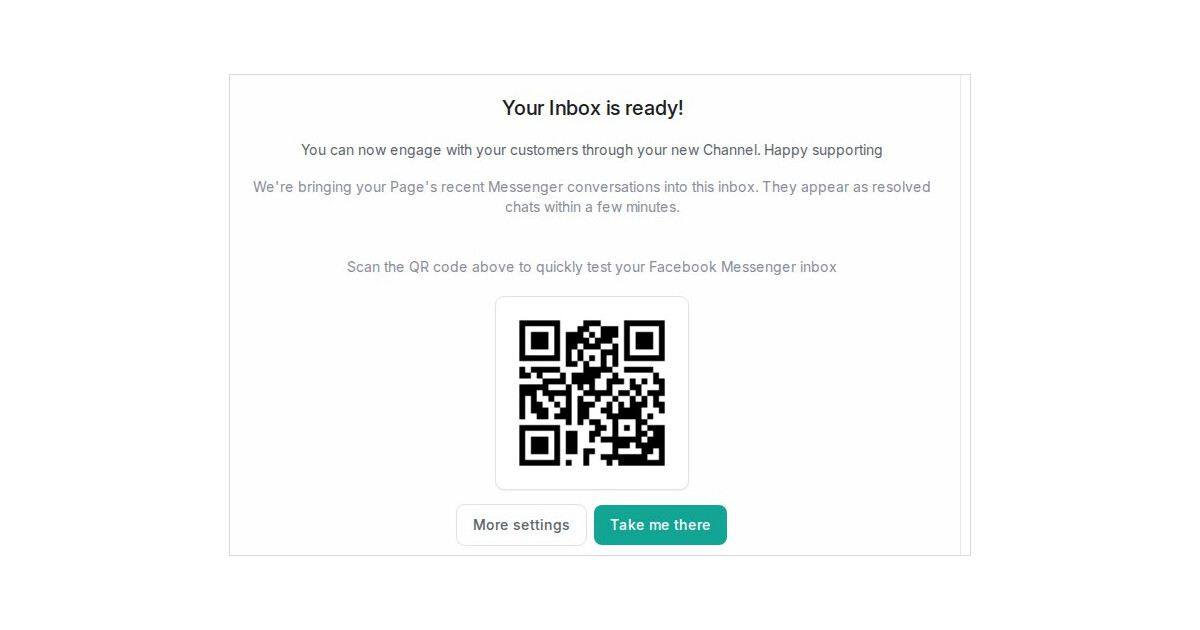
Mampu AI now brings a Page's or account's recent conversations into the inbox the first time you connect Facebook or Instagram. The threads active in the last three months arrive as resolved chats under each customer's contact, with their original times, so nobody starts from a blank screen.
How do I import past Messenger conversations into Mampu AI?
- Go to Settings → Inboxes → Add Inbox and choose Facebook or Instagram.
- Sign in with Continue with Facebook or Continue with Instagram and finish the steps as usual.
- On the last screen, read We're bringing your Page's recent Messenger conversations into this inbox. They appear as resolved chats within a few minutes. and click Take me there.
What happens to the imported conversations?
- Each one is Resolved, filed under the customer's contact, and starts with a line that marks it as an imported conversation.
- Nothing goes out. No notifications, automation rules or AI agent replies run on them.
- When one of those customers writes again, the new message continues in the same history.
- If Meta refuses the import, the screen says so and new messages still arrive as usual.
- Reconnecting an inbox later does not import again.

