See which WhatsApp number a conversation is on, in the header
The line under the customer's name now shows the number a WhatsApp Cloud or WhatsApp Business inbox sends from, right after the inbox name.
Read inBahasa Melayu中文
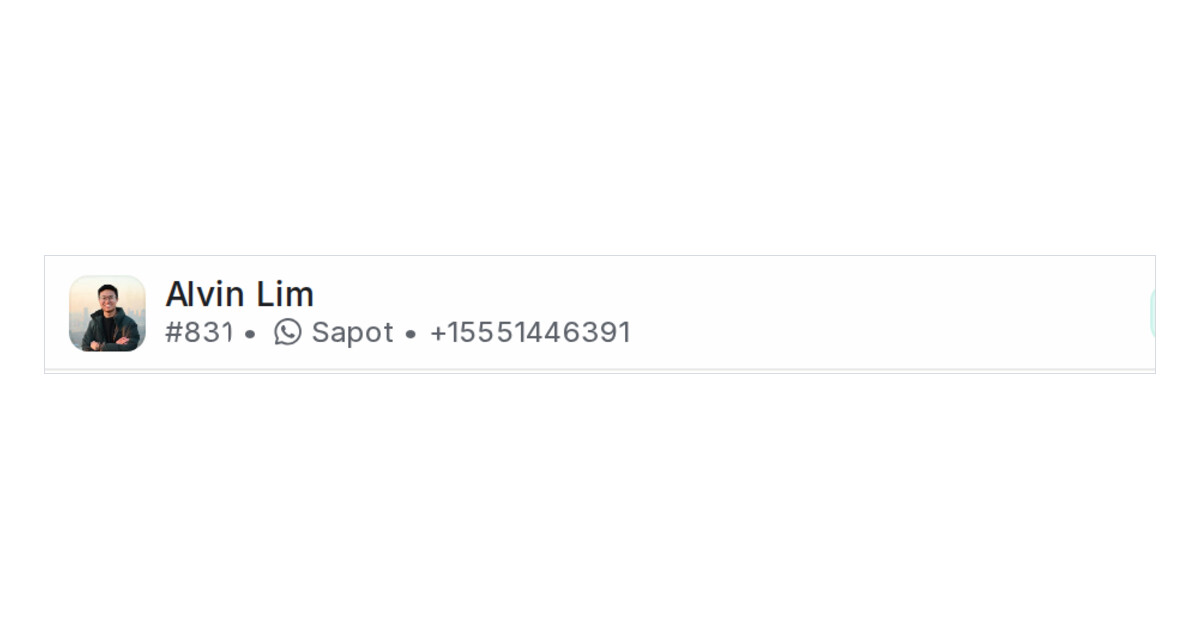
Mampu AI names the inbox a conversation belongs to in the line under the customer's name, next to the conversation number. When a team runs several WhatsApp numbers with similar inbox names, the name alone does not say which number the customer wrote to. That line now also shows the number the inbox sends from.
How do I see the WhatsApp number of a conversation in Mampu AI?
- Open a conversation from a WhatsApp Cloud or WhatsApp Business inbox.
- Read the line under the customer's name. It shows the conversation number, the inbox name, then the number, for example #2827 • Sales WhatsApp • +60123456789.
- On a narrow window the inbox name shortens and the number stays whole.
Which inboxes show the number?
- WhatsApp Cloud inboxes show it as soon as they are connected.
- WhatsApp Business inboxes show it once the phone has connected.
- Website, Facebook, Instagram, email and SMS inboxes keep showing the inbox name alone.
- The line appears when your workspace has more than one inbox, the same rule as the inbox name.
- Conversation list cards and the reply box's From picker still show the inbox name only.

