What's new in Mampu AI
Every new feature in Mampu AI, the AI agent and shared inbox for WhatsApp, Instagram, Facebook and your other channels. Newest first, each with a step-by-step guide in the Help Centre.
Read inBahasa Melayu中文
Keep system messages from starting the Reply SLA countdown
Add excluded keywords to a Reply SLA, and customer messages containing them, like forwarded notifications or reference codes, never start the countdown.
Read more: Keep system messages from starting the Reply SLA countdownChain two automation rules together with a label
A label added by one automation rule now sets off your label-added rules too, so auto-labelling a chat can start its follow-up sequence on its own.
Read more: Chain two automation rules together with a labelHandoff labels on the default End step also apply when the AI hands over mid-flow
Labels and other actions on your flow's default End step now also run when the AI hands a chat to your team mid-flow, not only when the flow reaches that step.
Read more: Handoff labels on the default End step also apply when the AI hands over mid-flowProduct imports now add and update — never remove
Upload a file with just your new or changed products. Matching items update, new ones are added, and the rest of your catalogue stays as it is.
Read more: Product imports now add and update — never removeRecommend your newest models first
Give your products a year and, when a customer names only a brand, your AI leads with the latest model instead of an older one.
Read more: Recommend your newest models firstSet a different Reply SLA for each inbox
Give each inbox its own reply and resolution targets, such as a fast promise for chat and a relaxed one for email, instead of one SLA for the whole account.
Read more: Set a different Reply SLA for each inboxSpecial instructions become clear rules your AI follows
Saved Special instructions in Tone & persona now become clear rules for your AI, and How the AI reads this shows you how each one was understood.
Read more: Special instructions become clear rules your AI followsRun an automation when a Reply SLA is breached
Give each Reply SLA a breach automation that reassigns the chat, raises its priority, alerts a team or notifies your systems when a customer waits too long.
Read more: Run an automation when a Reply SLA is breachedImport your FAQ spreadsheet as-is
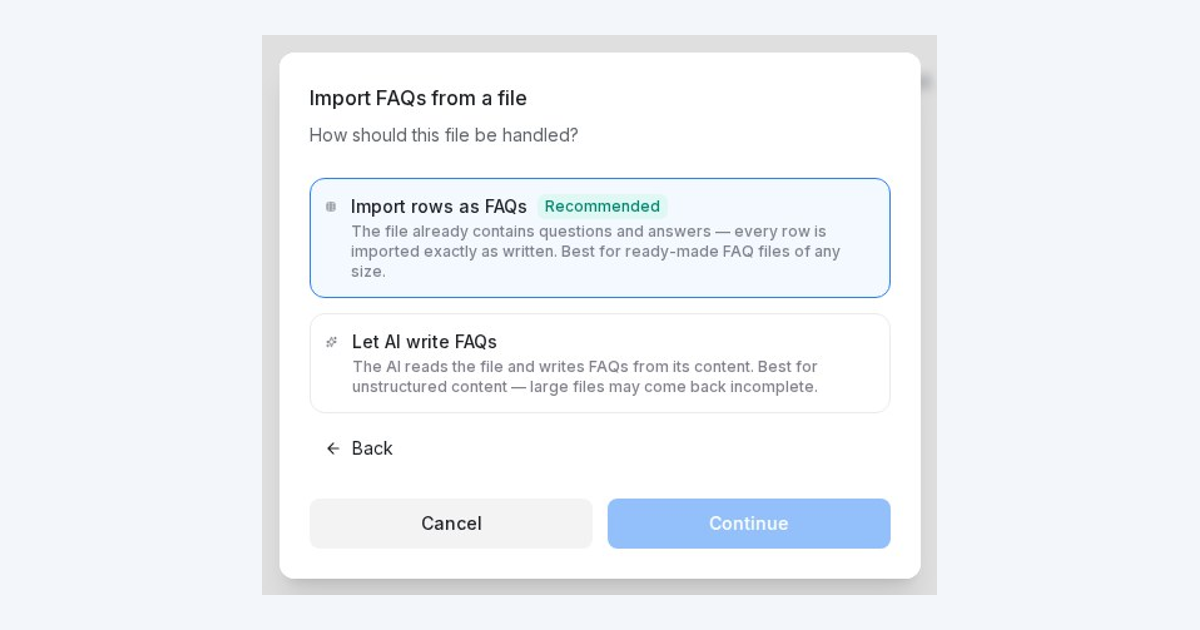
Already have your FAQs in a spreadsheet? Import every row exactly as written — match the columns, preview the changes, and apply.
Read more: Import your FAQ spreadsheet as-isSmarter blast audiences: combine conditions and skip past recipients
Build a blast audience from multiple conditions — and exclude anyone who already got a blasting, WhatsApp template or message sequence.
Read more: Smarter blast audiences: combine conditions and skip past recipientsYour AI agent tries once more before handing off
Turn on a per-agent setting that lets the AI ask a clarifying question or answer from your own content before passing a chat to your team.
Read more: Your AI agent tries once more before handing offFocus your AI on the right FAQs
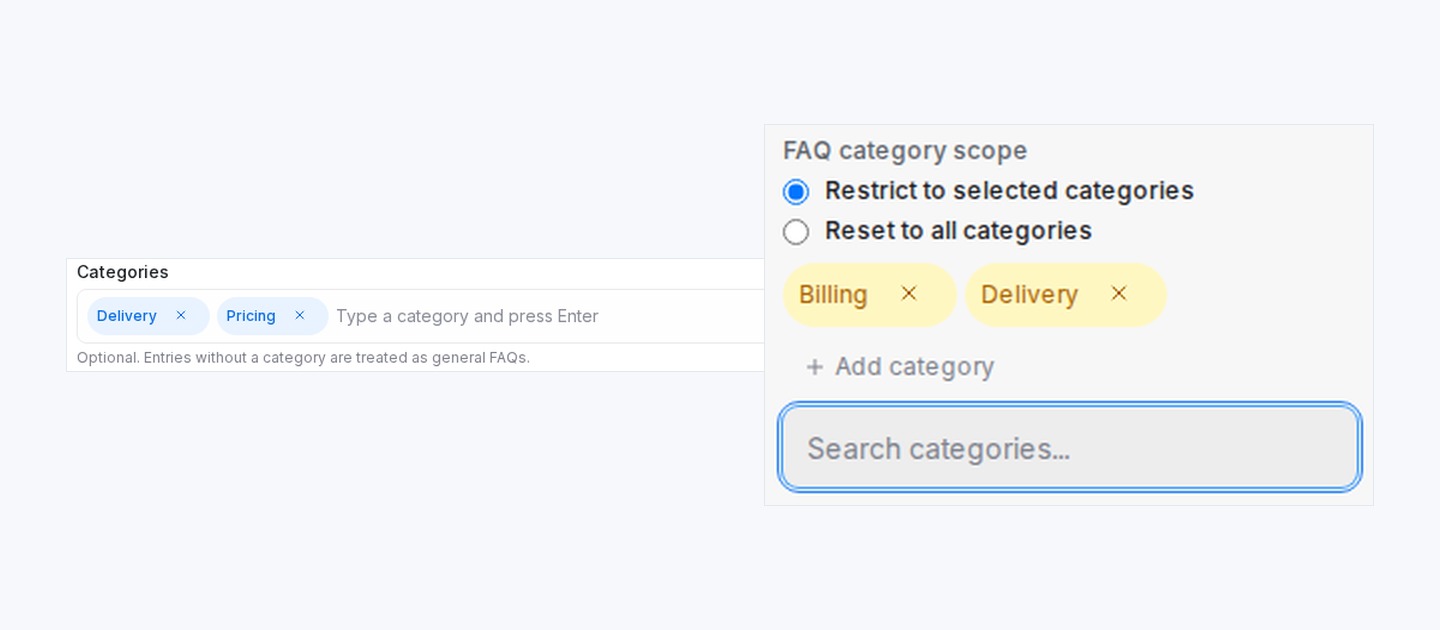
Group your FAQs into categories, then let each part of your flow answer only from the categories you pick — general FAQs included when you want.
Read more: Focus your AI on the right FAQsChoose how team calendars assign bookings
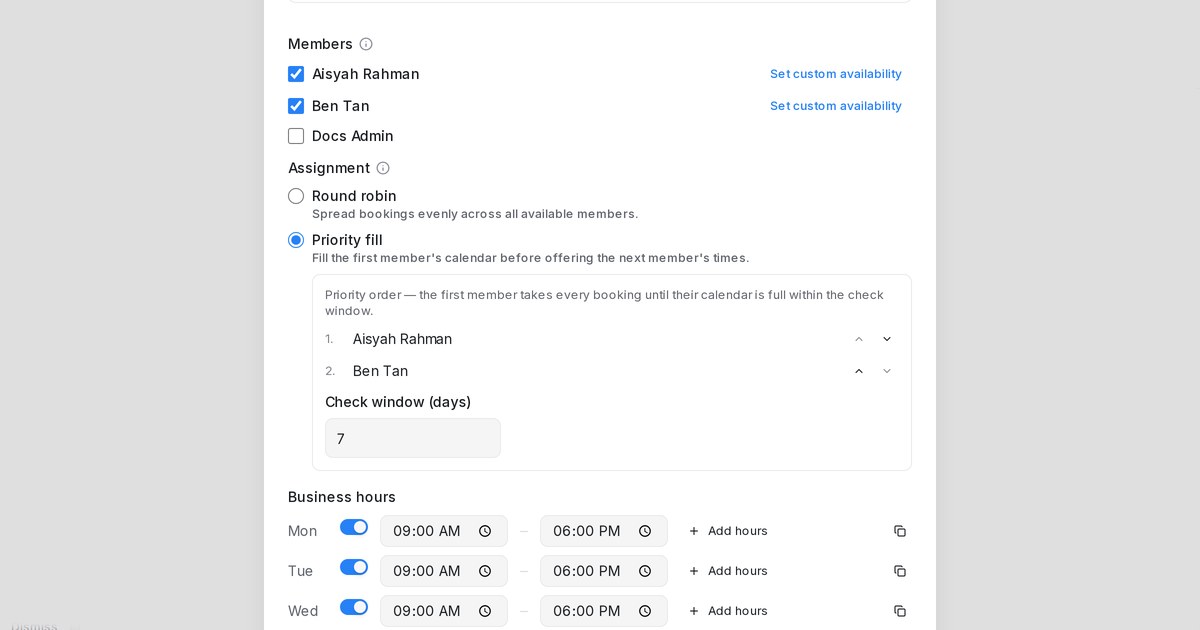
Fill one member's schedule first, prefer members in order, or keep spreading bookings evenly — team calendars now have an assignment setting.
Read more: Choose how team calendars assign bookingsSend files and images with automated messages
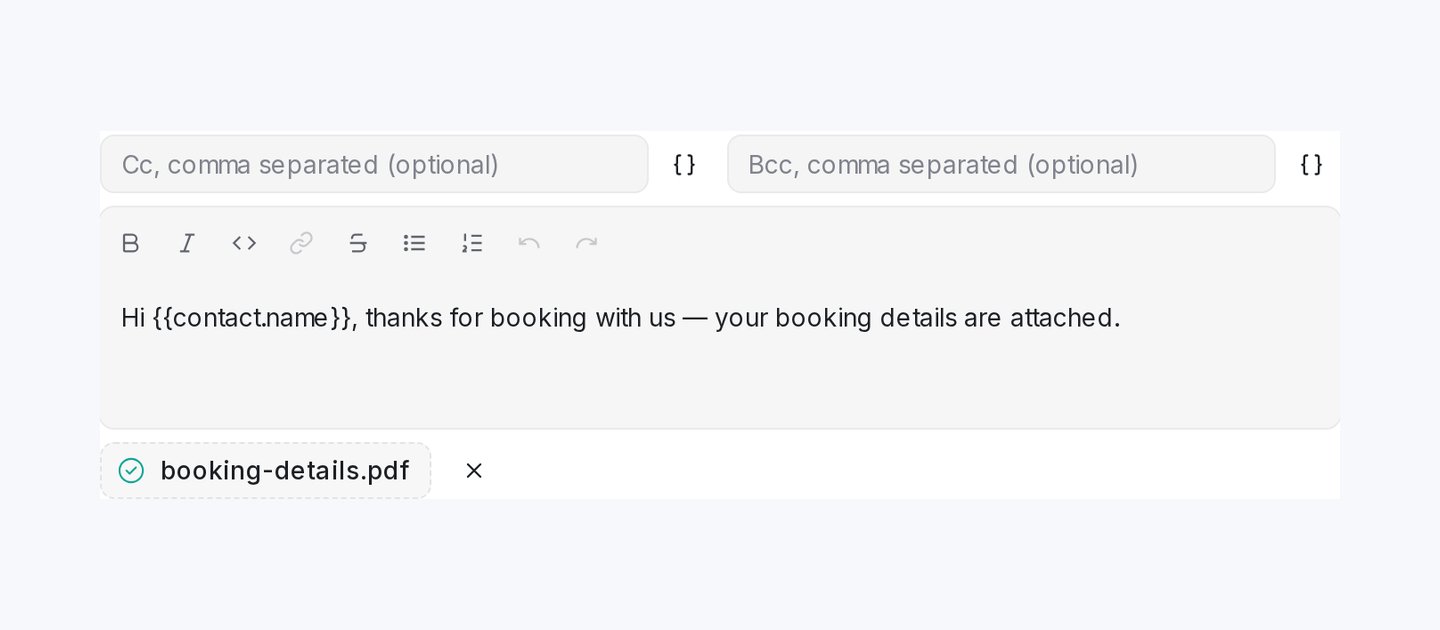
Attach a file to a Send a Message action — it arrives inside the email itself, or as WhatsApp media with your message as the caption.
Read more: Send files and images with automated messagesSend automation messages through any WhatsApp inbox, including Normal WhatsApp
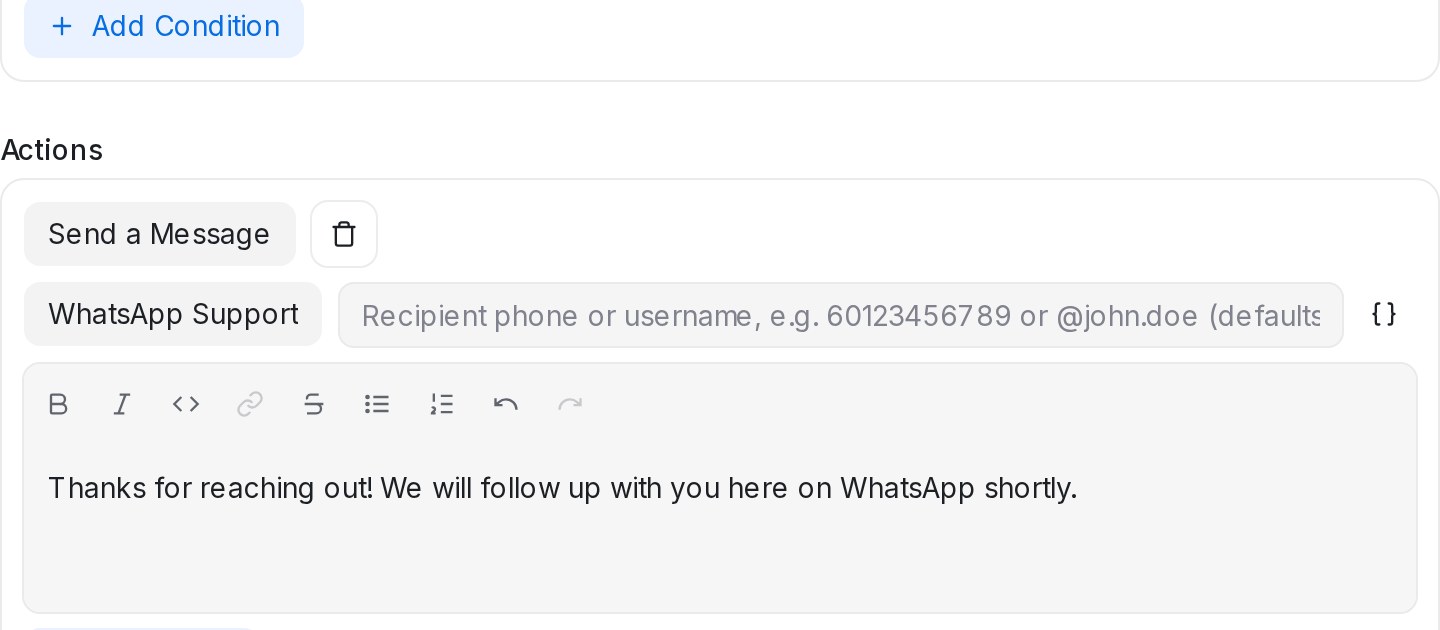
The Send a Message automation action now works with Normal WhatsApp inboxes too, to message the contact, a typed phone number or a WhatsApp username.
Read more: Send automation messages through any WhatsApp inbox, including Normal WhatsAppAutomated emails get a real subject line, with Cc and Bcc
The Send a Message automation action can now set the email subject and copy people in Cc or Bcc, so your customer receives a proper email.
Read more: Automated emails get a real subject line, with Cc and BccProduct photos go out with your AI agent's recommendations
Add photos to a product in your catalogue and your AI agent sends them with its recommendation when a customer asks.
Read more: Product photos go out with your AI agent's recommendationsShow a Flow Agent route only to customers with certain labels
Gate a condition branch by customer labels, so only conversations or contacts carrying one of the chosen labels are offered that route.
Read more: Show a Flow Agent route only to customers with certain labelsTrigger your AI agent from the reply box
A new bot button in the reply box makes your AI agent read the latest customer message and send its reply on the spot.
Read more: Trigger your AI agent from the reply boxUpdate your product catalogue with one upload
Re-upload your price list and the AI Knowledge Hub catalogue updates changed products and adds new ones, with a preview before anything changes.
Read more: Update your product catalogue with one upload