What's new in Mampu AI
Every new feature in Mampu AI, the AI agent and shared inbox for WhatsApp, Instagram, Facebook and your other channels. Newest first, each with a step-by-step guide in the Help Centre.
Read inBahasa Melayu中文
Send files and images with automated messages
Attach a file to a Send a Message action — it arrives inside the email itself, or as WhatsApp media with your message as the caption.
Read more: Send files and images with automated messagesSend automation messages through any WhatsApp inbox, including Normal WhatsApp
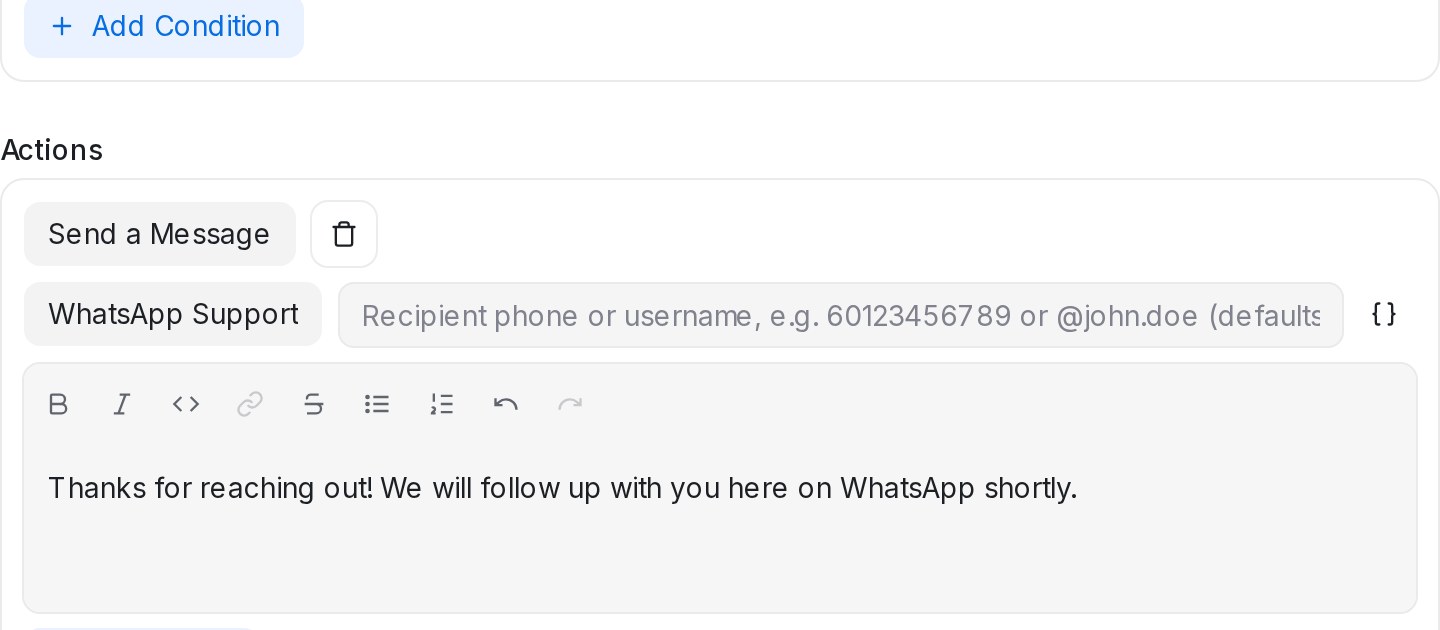
The Send a Message automation action now works with Normal WhatsApp inboxes too, to message the contact, a typed phone number or a WhatsApp username.
Read more: Send automation messages through any WhatsApp inbox, including Normal WhatsAppAutomated emails get a real subject line, with Cc and Bcc
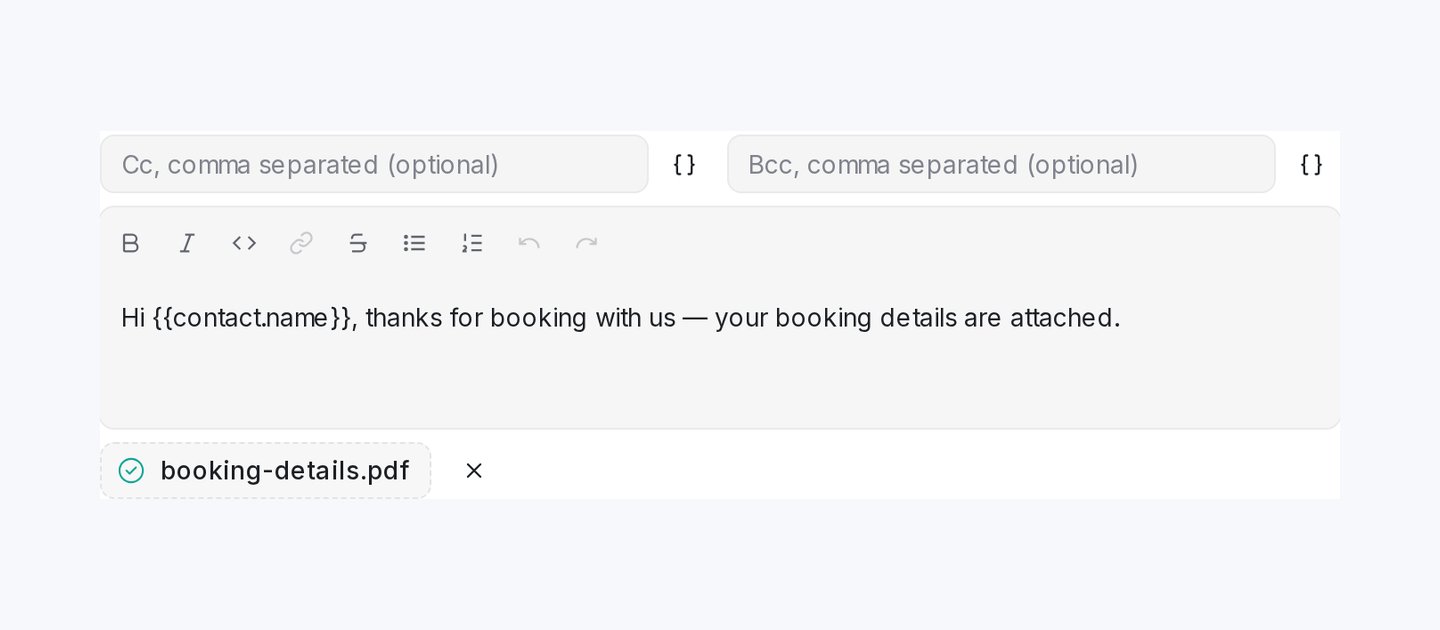
The Send a Message automation action can now set the email subject and copy people in Cc or Bcc, so your customer receives a proper email.
Read more: Automated emails get a real subject line, with Cc and BccProduct photos go out with your AI agent's recommendations
Add photos to a product in your catalogue and your AI agent sends them with its recommendation when a customer asks.
Read more: Product photos go out with your AI agent's recommendationsShow a Flow Agent route only to customers with certain labels
Gate a condition branch by customer labels, so only conversations or contacts carrying one of the chosen labels are offered that route.
Read more: Show a Flow Agent route only to customers with certain labelsTrigger your AI agent from the reply box
A new bot button in the reply box makes your AI agent read the latest customer message and send its reply on the spot.
Read more: Trigger your AI agent from the reply boxUpdate your product catalogue with one upload
Re-upload your price list and the AI Knowledge Hub catalogue updates changed products and adds new ones, with a preview before anything changes.
Read more: Update your product catalogue with one uploadChoose which languages your Flow Agents reply in
The Languages setting in Tone & persona now decides which languages your AI replies in, so an unusual message can't pull a chat into a language you don't serve.
Read more: Choose which languages your Flow Agents reply inAutomation rules can message contacts on any email, WhatsApp or SMS inbox
The Send a Message automation action can now deliver on a different inbox, like email or WhatsApp, with a recipient filled from AI-collected answers.
Read more: Automation rules can message contacts on any email, WhatsApp or SMS inboxChoose the Google Sheet, tab and columns each automation writes to
The Sync lead to Google Sheets action can target any spreadsheet, tab and column mapping, and the Google Sheets page lets you pick the tab leads land on.
Read more: Choose the Google Sheet, tab and columns each automation writes toTake group bookings in your Calendar, with several people in one time slot
Set Max attendees per slot on a calendar, and the same time stays bookable until every seat is taken. Useful for classes, tours and group sessions.
Read more: Take group bookings in your Calendar, with several people in one time slotSend leads to Google Sheets from your automation rules
A new automation action, Sync lead to Google Sheets, pushes a conversation's lead row to your connected Google Sheet when your rule runs.
Read more: Send leads to Google Sheets from your automation rulesMonthly Active Contacts now count real engagement only, not blast recipients
Blasts no longer use up your monthly active contacts. Only contacts you genuinely chat with, or your automations handle, count toward your plan.
Read more: Monthly Active Contacts now count real engagement only, not blast recipientsShow a Flow Agent route only to customers who came from specific Meta ads
Gate any branch of a condition block to chosen Meta ad IDs, so only customers who arrived through those ads see that route.
Read more: Show a Flow Agent route only to customers who came from specific Meta adsYour Flow Agent answers every question in a customer's message
When a customer asks two things at once, your Flow Agent answers each question from your AI Knowledge, in the order asked, before continuing the flow.
Read more: Your Flow Agent answers every question in a customer's messageReply to TikTok comments automatically from your TikTok inbox
Comments on your TikTok videos now arrive in your inbox, and keyword rules can like the comment and post a public reply for you.
Read more: Reply to TikTok comments automatically from your TikTok inboxFind Mampu AI help guides in your dashboard search
Search now also looks through the Mampu AI Help Centre, so you can type what you're trying to do and open the matching guide.
Read more: Find Mampu AI help guides in your dashboard searchHand Flow Agent conversations to your team silently, with no handoff message
Leave the handoff message blank on the default End step, and your team takes over quietly, with a clear confirmation of what customers will see.
Read more: Hand Flow Agent conversations to your team silently, with no handoff messageChoose what each booking shows in the Calendar Schedule view
Pick the contact fields, contact attributes and flow answers a calendar shows when you open a booking in the Schedule view.
Read more: Choose what each booking shows in the Calendar Schedule viewSend customer answers from Flow Agents to your other tools with a webhook
Each time a Flow Agent collects new answers or a flow finishes, a webhook sends the customer's answers to your CRM, spreadsheet or automation tool.
Read more: Send customer answers from Flow Agents to your other tools with a webhook