What's new in Mampu AI
Every new feature in Mampu AI, the AI agent and shared inbox for WhatsApp, Instagram, Facebook and your other channels. Newest first, each with a step-by-step guide in the Help Centre.
Read inBahasa Melayu中文
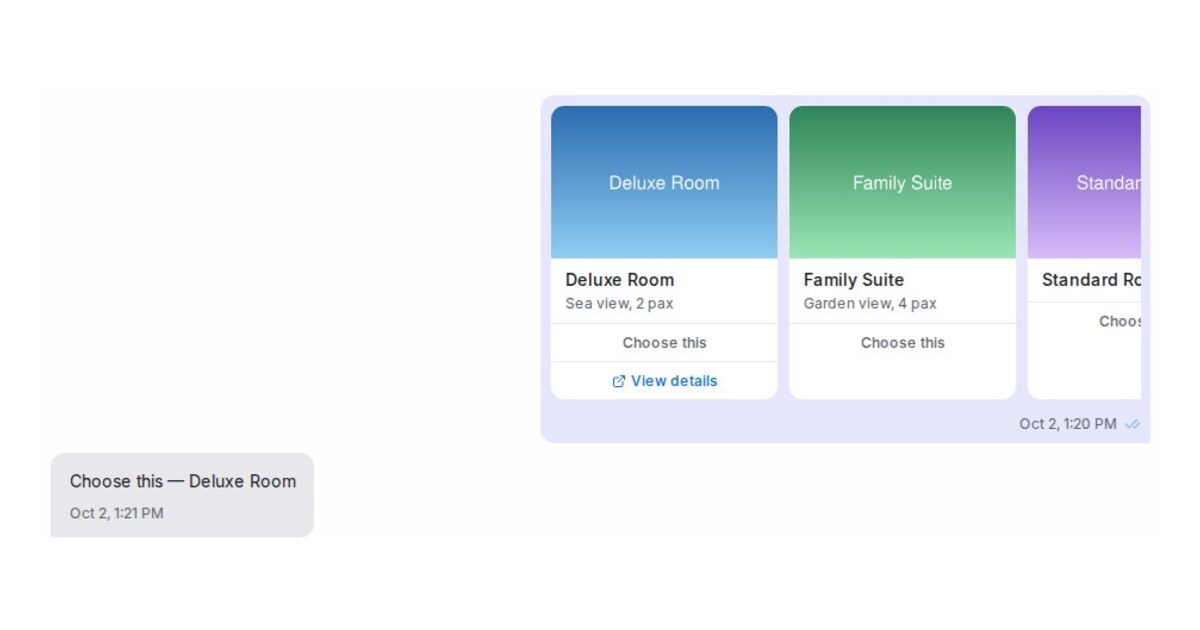
Send Flow Agent images as a swipeable carousel on Messenger and Instagram
A Flow Agent message step can now show its images as one carousel customers swipe on Messenger and Instagram, with a title and buttons on each card.
Read more: Send Flow Agent images as a swipeable carousel on Messenger and InstagramGive a Flow Agent question up to 13 answer buttons, and choose the three WhatsApp shows
Flow questions take up to 13 answer buttons. Messenger, Instagram, Telegram, Line and web chat show them all; you tick the three WhatsApp shows.
Read more: Give a Flow Agent question up to 13 answer buttons, and choose the three WhatsApp showsSee what your AI agent did under each reply
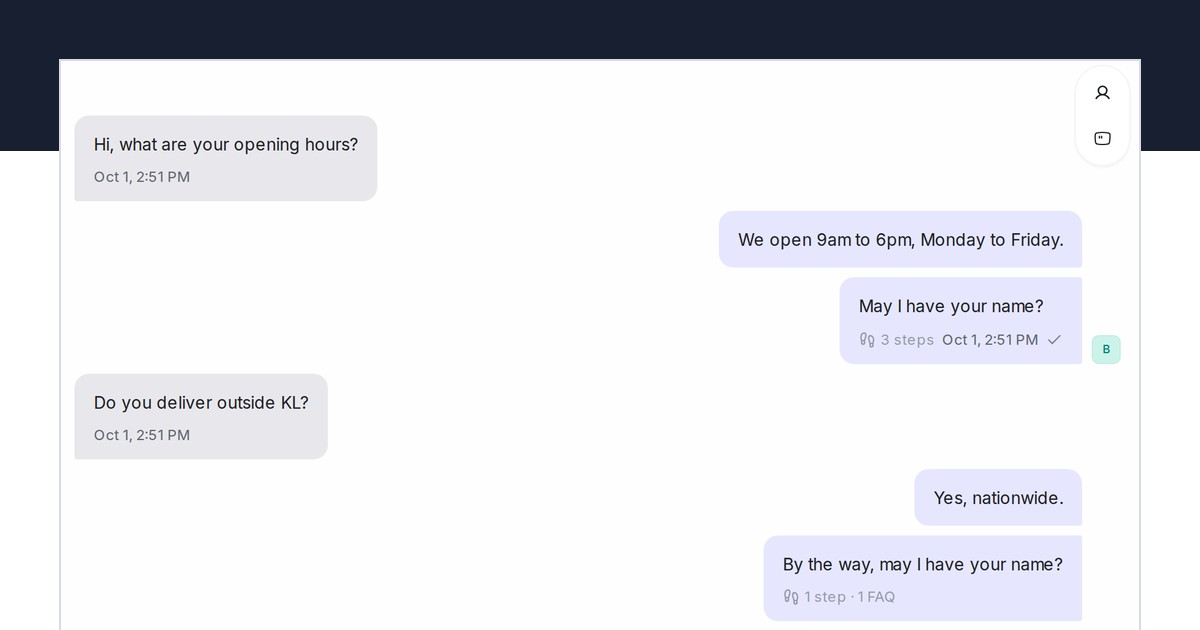
Each Flow Agent reply in a conversation now shows the steps it walked and the FAQs it used, and the Playground lists the FAQs used under every test reply.
Read more: See what your AI agent did under each replySee which chats are not a lead, with their own badge
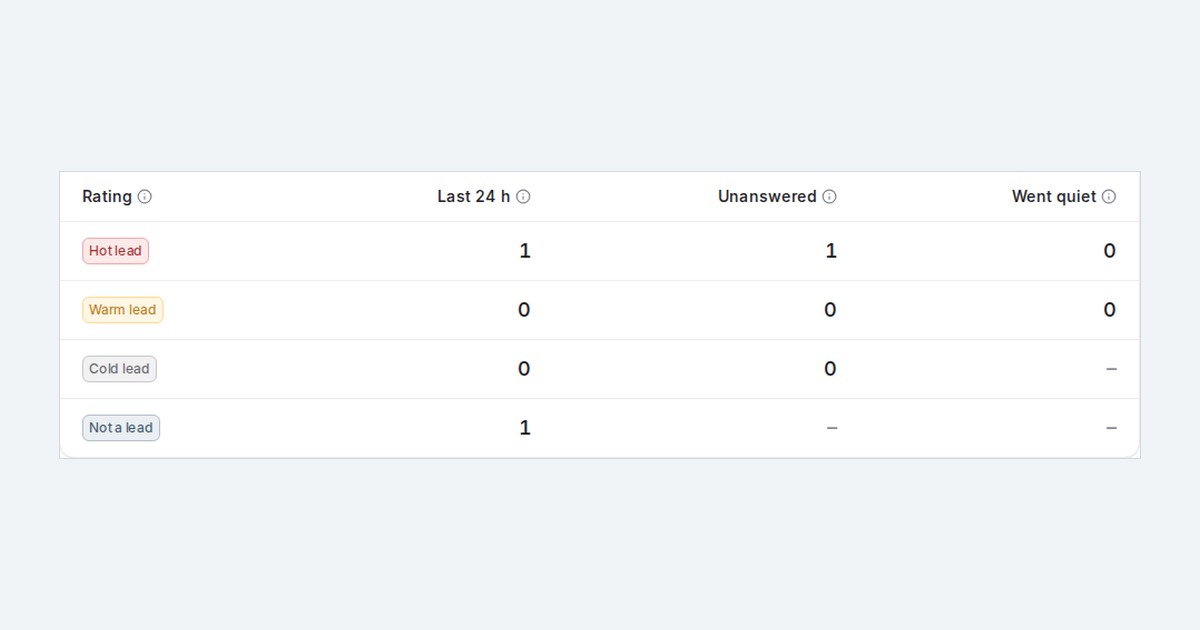
Lead analysis now marks existing customers, staff chats, vendors, job seekers and spam with a Not a lead badge, and you can say who is never a lead for you.
Read more: See which chats are not a lead, with their own badgeBuild your flow agent by chatting with the designer
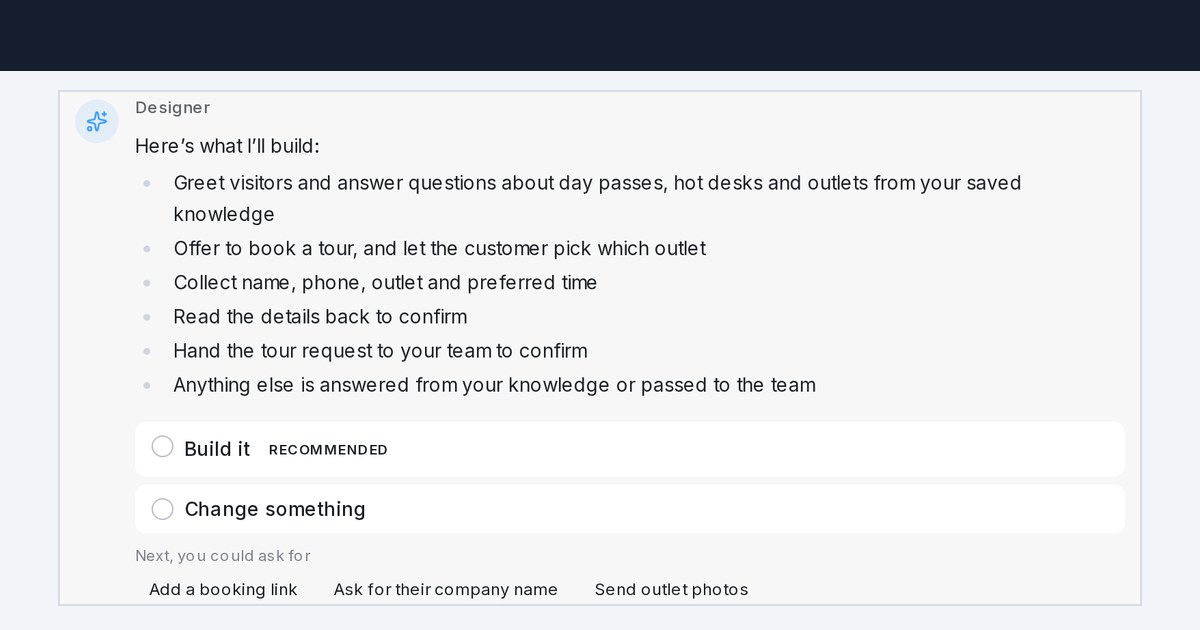
The flow designer now opens as a chat. Describe your agent, answer a few questions, check the plan, and it builds the conversation for you.
Read more: Build your flow agent by chatting with the designerSwitch a flow step off, or run it only between two dates
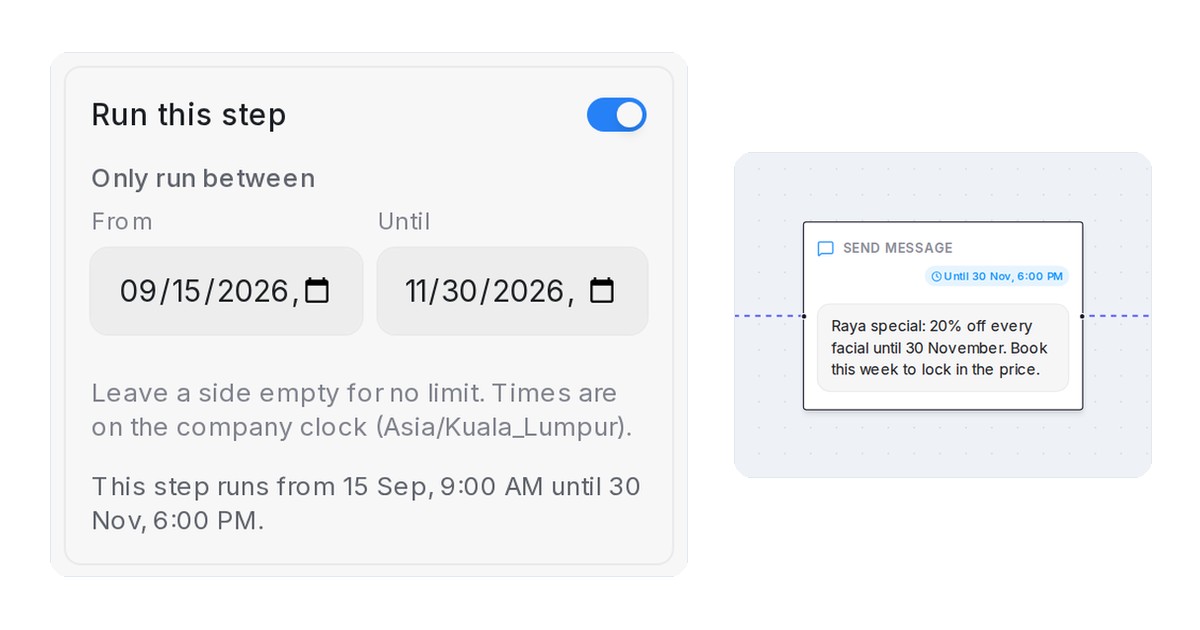
Switch a message or question step off without deleting it, or give it From and Until dates. The flow passes over a skipped step and the card shows why.
Read more: Switch a flow step off, or run it only between two datesSee what your AI captured and why chats reached your team on Home
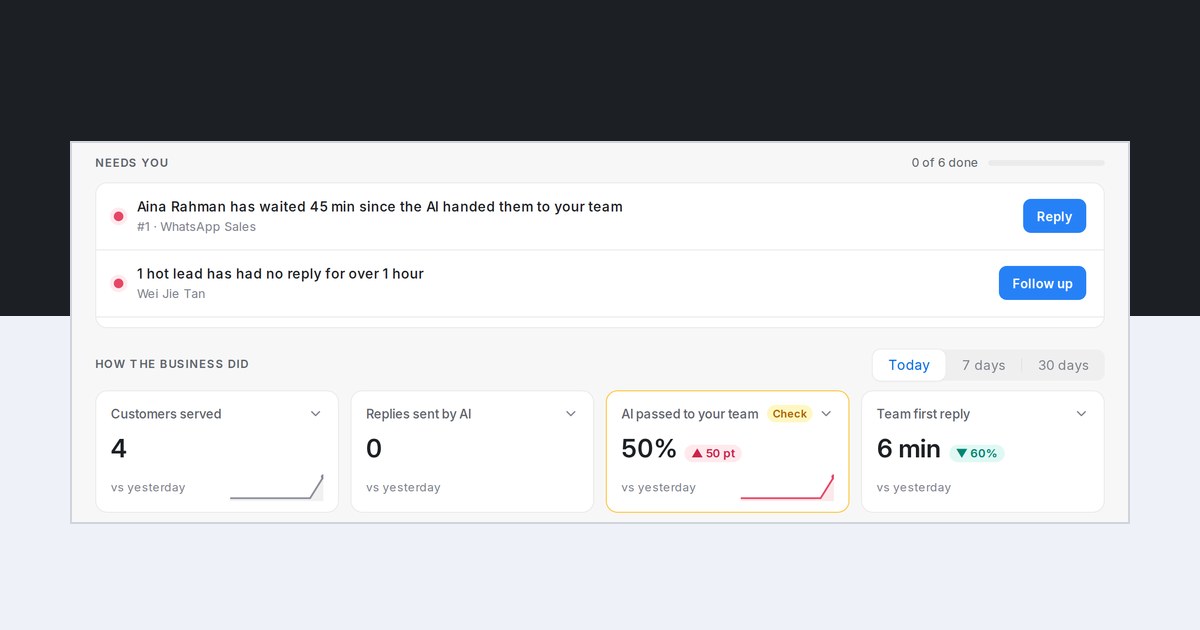
Home now counts the details customers gave your AI agents and separates chats the AI passed on from flows that finished with their planned handover.
Read more: See what your AI captured and why chats reached your team on HomeSee why each lead went cold, from reasons you can edit
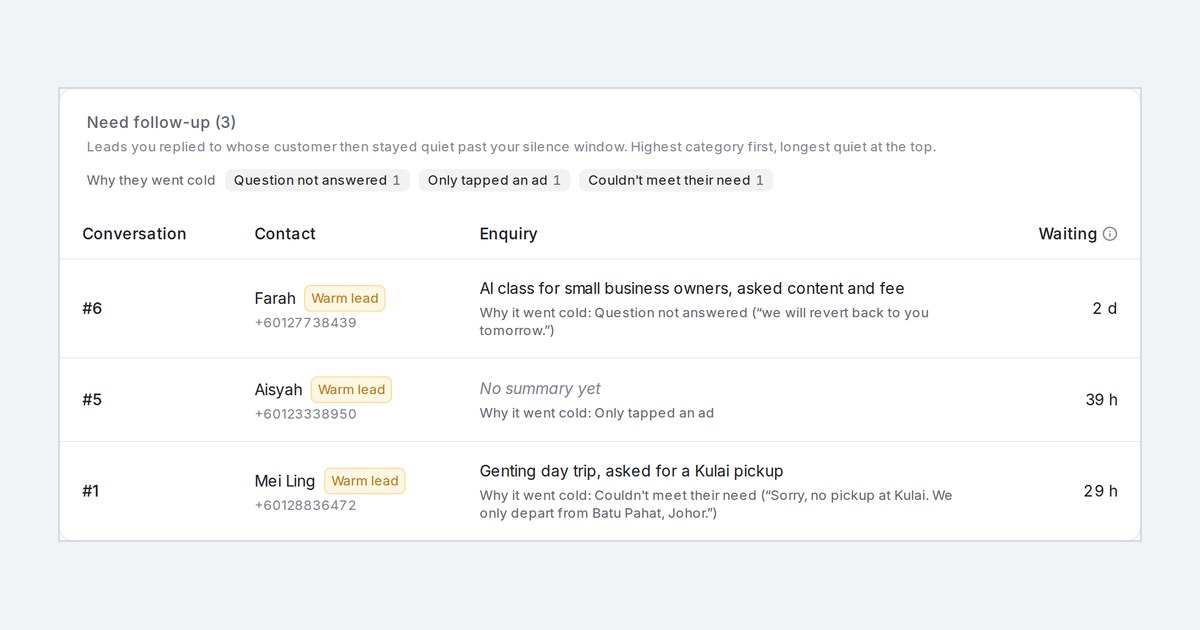
Lead analysis now says why each quiet lead went cold, such as price or a question left unanswered, and quotes the chat line behind it.
Read more: See why each lead went cold, from reasons you can editSee which FAQs your AI agent actually uses
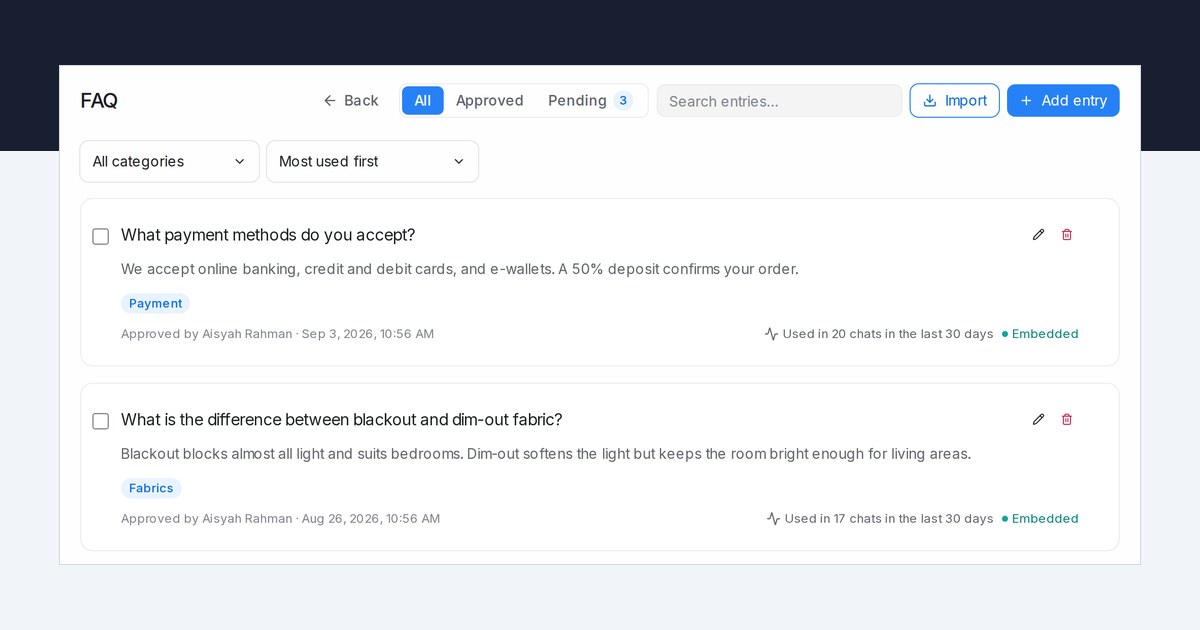
Each FAQ in AI Knowledge now shows how many chats used it in the last 30 days, and you can sort by most used or list the FAQs nobody needed.
Read more: See which FAQs your AI agent actually usesShow only the products that match what the customer asked for
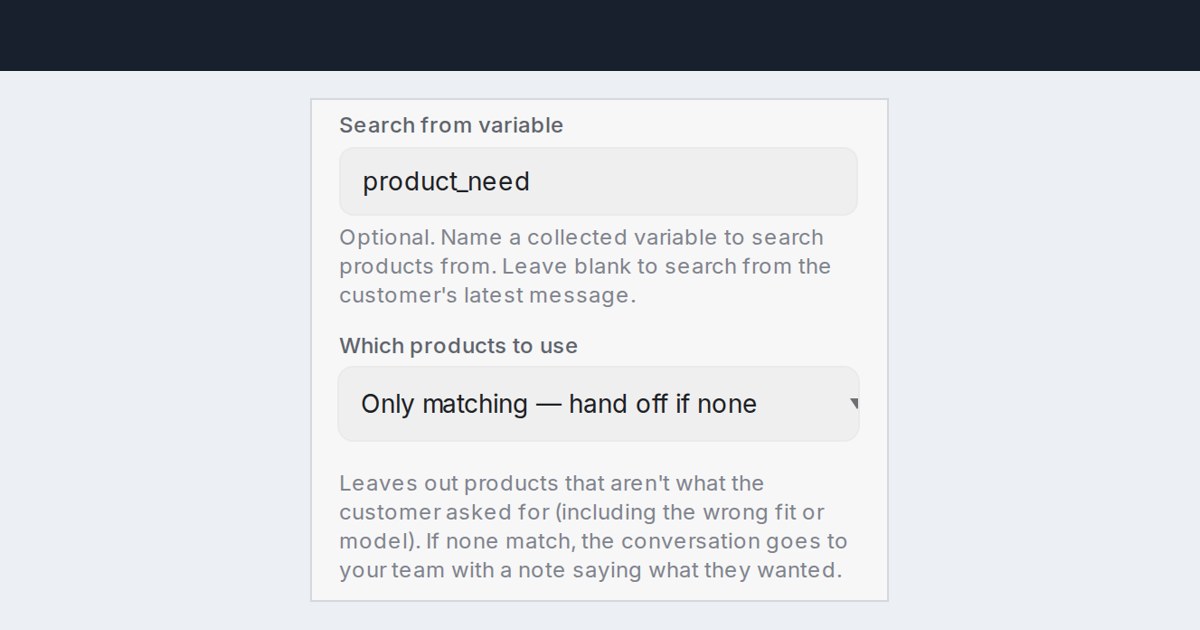
Product steps in your flow agents can now leave out products that aren't what the customer asked for, and hand the chat to your team when none fit.
Read more: Show only the products that match what the customer asked forStart each day on Home with what needs you and how the business did
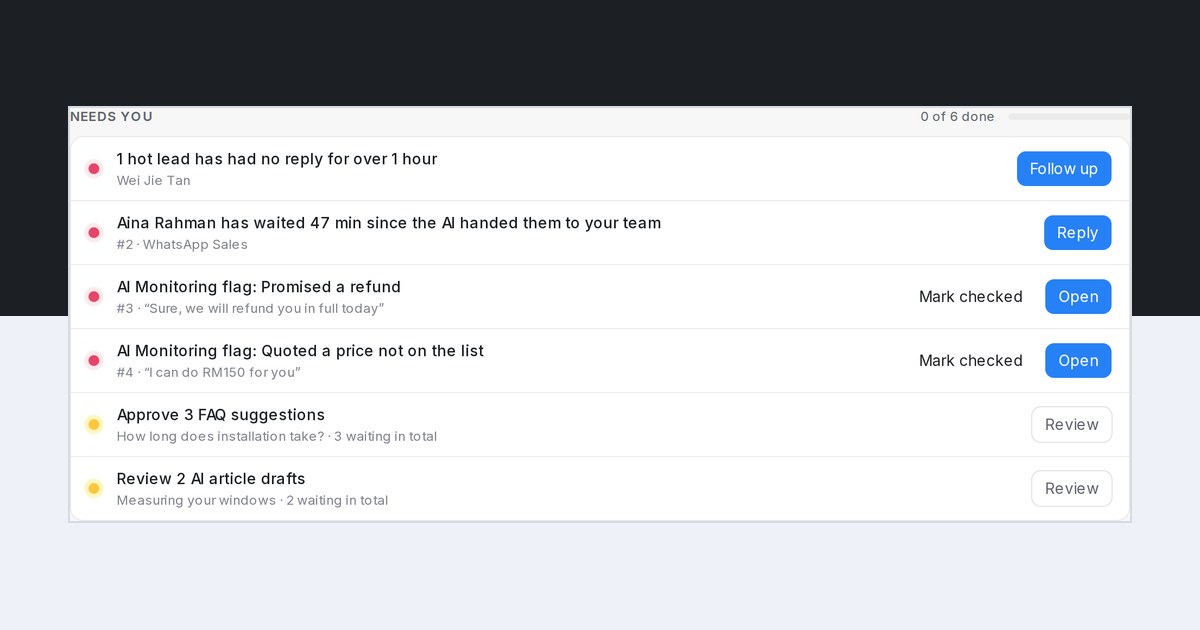
Home now lists what needs you today, from waiting customers to hot leads and flags, with your AI agents' numbers and the lead report on one page.
Read more: Start each day on Home with what needs you and how the business didSee a customer's chats from every channel in one conversation
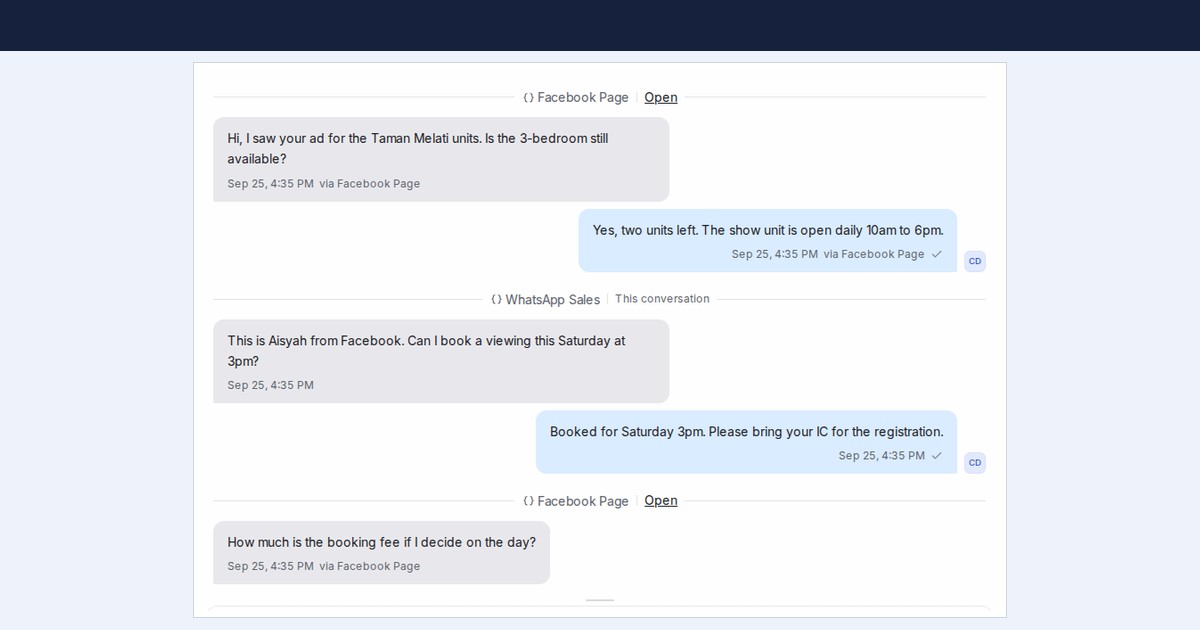
Read a customer's other WhatsApp, Facebook, Instagram and TikTok chats inside the one you have open, in time order, with switches to keep some apart.
Read more: See a customer's chats from every channel in one conversationMessage sequence follow-ups that use what the customer already told you
Message sequence steps can now insert your flow agent's collected answers, and can skip questions the customer has already answered.
Read more: Message sequence follow-ups that use what the customer already told youSend inbox, agent and conversation details to Google Sheets and Lark Base
Google Sheets and Lark Base can now receive the inbox, assigned agent, team, labels and a chat link, and update the row when a chat is reassigned.
Read more: Send inbox, agent and conversation details to Google Sheets and Lark BaseTurn your WhatsApp chat history into FAQ suggestions and a draft flow agent
Share your WhatsApp chat history when you connect your number, and Mampu AI drafts FAQs and a flow agent from how your team already replies.
Read more: Turn your WhatsApp chat history into FAQ suggestions and a draft flow agentAdd product and FAQ photos with your AI agent
Your AI agent can now attach photos, PDFs, videos and audio to AI Knowledge products and FAQs, from a public link or from files on your computer.
Read more: Add product and FAQ photos with your AI agentSee why your Flow Agent handed a chat to your team
Reports → Flow agents now shows what triggered each handoff, from the AI deciding a person should step in to a flow that could not continue.
Read more: See why your Flow Agent handed a chat to your teamSet the hours a Flow Agent is on duty for each inbox
Choose the hours a Flow Agent is on duty for each inbox. Outside them it steps aside, with no new chats and no mid-flow replies, and your team takes over.
Read more: Set the hours a Flow Agent is on duty for each inboxCustomers who tap an ad are counted as leads from the first message
Lead analysis now rates a conversation as soon as the customer arrives from an advert, so ad clicks show in the badge, the report and the email.
Read more: Customers who tap an ad are counted as leads from the first messageSee what your Flow Agents did under Reports → Flow agents
A new report shows the conversations your Flow Agents handled, replies sent, handoffs to your team, completed flows, leads waiting and cost for any period.
Read more: See what your Flow Agents did under Reports → Flow agents